A general contractor can collect a Certificate of Insurance from every subcontractor, confirm the coverage limits are high enough, file it neatly, and still be personally on the hook when a sub causes a loss. The reason is that the two lines that actually transfer risk to the sub’s policy are not the limits. They are two endorsements buried in the fine print: additional insured and waiver of subrogation.
These are the clauses we built compliance checks around in TradeGuard Pro, because they are the ones people miss. Here is what each one does, in plain English, and why a certificate without them is weaker than it looks.
A quick note: this is a general explainer, not insurance or legal advice. Your contracts and your state’s rules govern the specifics; confirm the details with your broker or attorney.
Additional Insured: Getting Under the Sub’s Umbrella
By default, a subcontractor’s general liability policy protects the subcontractor. If the sub’s crew damages the building or injures someone, the sub’s insurer defends and pays on behalf of the sub, not you.
An additional insured endorsement changes that. It extends the sub’s policy to cover you, the general contractor, for claims arising out of the sub’s work. When a claim comes in, you are named on the sub’s policy, so their insurer defends and indemnifies you directly. That’s the whole game: it pushes the cost of the sub’s mistakes onto the sub’s insurance instead of yours.
Why it matters to your bottom line
Without additional insured status, a claim from a sub’s work lands on your own general liability policy. That means your deductible, your claim history, and a higher renewal premium, for damage someone else caused.
Two details separate a strong additional insured endorsement from a weak one:
- Ongoing and completed operations. Some endorsements cover you only while the work is in progress. Construction defects often surface months or years after the job is done; you want coverage that survives into “completed operations,” not one that expires the day the sub packs up.
- Primary and non-contributory. This wording says the sub’s policy pays first and does not ask your policy to chip in. Without it, insurers can fight over who contributes what, and your policy can get dragged into a loss it should never have touched.
Waiver of Subrogation: Closing the Back Door
Subrogation is the right of an insurer, after it pays a claim, to turn around and recover that money from whoever was at fault. It is the back door through which a loss can still reach you even after insurance pays.
Here’s the scenario. A sub’s worker is injured on your site. The sub’s workers’ comp insurer pays the claim. Good. Then that insurer, exercising subrogation, sues you, the GC, claiming the site conditions contributed to the injury. The claim was “paid,” but now you are defending a lawsuit anyway.
A waiver of subrogation endorsement is the sub’s insurer agreeing, up front, not to come after you like that. It closes the back door. Paired with additional insured status, it is what makes the risk transfer actually stick.
The Two Together: A Simple Way to Read a COI
When you look at a certificate, the limits tell you how much coverage exists. The endorsements tell you whether that coverage protects you. Both have to be right.
| On the certificate | What it actually does for you |
|---|---|
| Coverage limits (e.g. $1M/$2M) | Sets the ceiling on how much the policy can pay. Necessary, but says nothing about whether you are protected. |
| Additional insured | Extends the sub’s policy to cover you for claims from their work. This is what puts you under their umbrella. |
| Primary & non-contributory | Ensures the sub’s policy pays first and yours stays out of it. |
| Waiver of subrogation | Stops the sub’s insurer from recovering its payout from you later. |
| Completed operations | Keeps additional insured coverage alive after the job is finished, when latent defects appear. |
The one-sentence takeaway
High limits on a certificate that lacks additional insured and waiver of subrogation is a policy that protects your subcontractor beautifully and protects you barely at all.
Why This Is So Easy to Miss
None of this is visible from a quick glance at a PDF. The limits are printed in a big box at the top; the endorsements are a few lines of dense text further down, or referenced on separate attached forms you have to actually read. Under deadline pressure, checking every certificate on every sub for the right endorsements, carrying the right wording, still in force, is exactly the kind of tedious verification that gets skipped. And it stays skipped until the one claim where it matters.
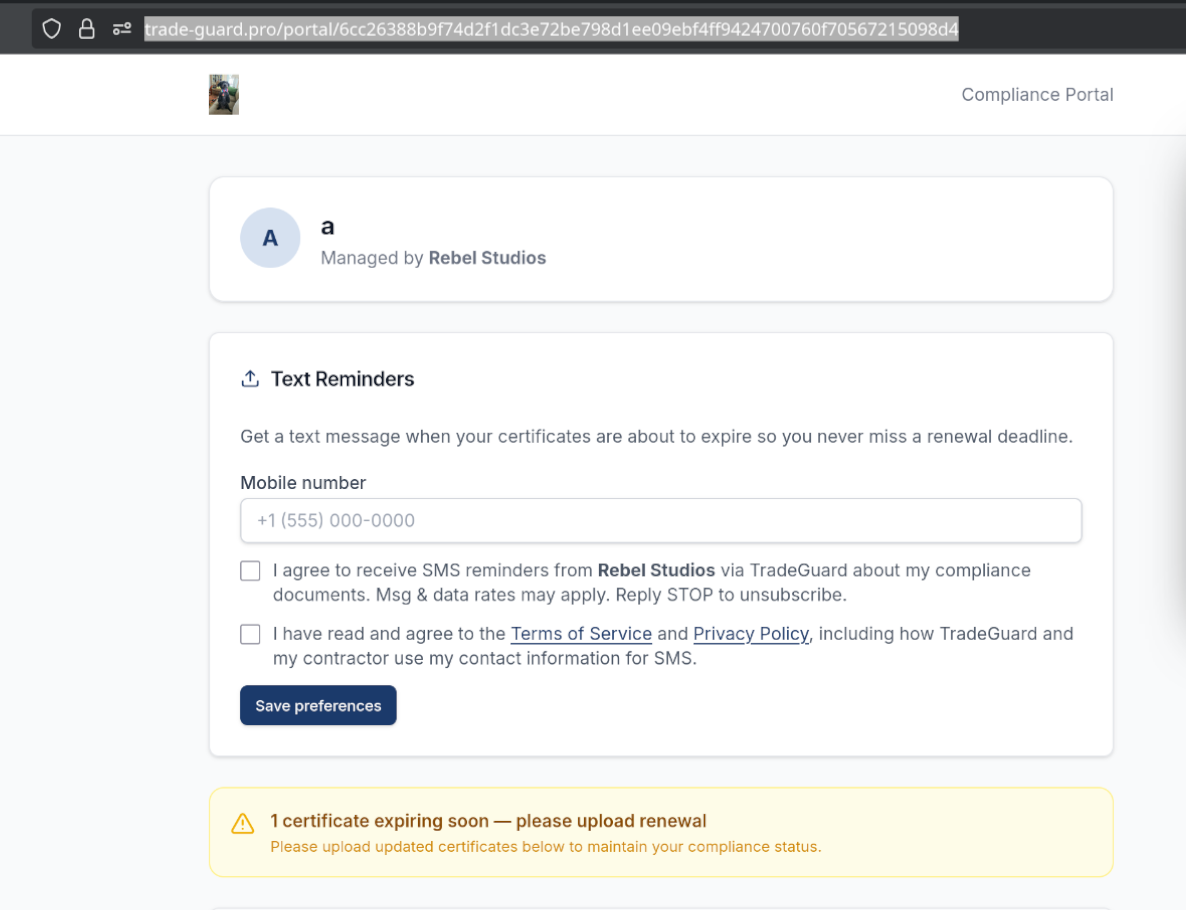
This is precisely the check we automated in TradeGuard Pro: every certificate is matched against the endorsements and limits your contracts require, and anything missing gets flagged before it becomes your problem, not after.
Managing subcontractor compliance and tired of reading fine print by hand? See how TradeGuard Pro tracks it for you, or if you want compliance software built around your own workflow, that’s what we do at Rebel Studios.