Every general contractor collects Certificates of Insurance from their subcontractors. Almost none of them track those certificates well. The gap between “we collect COIs” and “we know, today, which subs on which jobs are currently covered” is where a routine paperwork task turns into six-figure exposure, and it usually happens in a spreadsheet nobody has opened in three weeks.
We built TradeGuard Pro after watching this exact problem play out, so this is the honest version: what a COI actually does for you, why manual tracking quietly fails, and what to fix first.
What a Certificate of Insurance Really Protects
A Certificate of Insurance (COI) is a one-page summary proving a subcontractor carries active coverage: general liability, workers’ compensation, auto, sometimes an umbrella policy. When a sub causes property damage or an injury on your site, their insurance is supposed to absorb it. If it doesn’t, the claim rolls uphill to you, the general contractor, and to your policy and your loss history.
That is the whole point of collecting COIs: to make sure that when something goes wrong, the risk sits with the party that caused it. But a certificate only does that job if three things are true at the moment of the incident, and each one is a place manual tracking breaks down:
- The policy is still active. COIs expire, usually annually. A certificate that was valid when you signed the sub is worthless the day after it lapses.
- The coverage actually meets your requirements. A sub might carry $500K of general liability when your contract (or the project owner’s) requires $1M per occurrence.
- The right endorsements are in place. “Additional insured” status and a “waiver of subrogation” are the clauses that actually extend the sub’s protection to you. A COI without them looks fine and protects you far less than you think.
Why the Spreadsheet Fails
The default system for most contractors is a shared spreadsheet plus a folder of PDFs. It feels organized. It is actually three failure modes waiting to compound.
1. Expiry is invisible until it’s too late
A spreadsheet does not call you. Nobody sits down on a Tuesday to scan 60 rows of expiration dates. So certificates lapse silently, and you find out only when a claim comes in and the adjuster asks for proof of coverage you no longer have. The single most valuable thing a tracking system can do is tell you before a COI expires, and a spreadsheet structurally cannot.
2. Nobody has time to read the fine print
Verifying that each certificate hits the required limits and carries the right endorsements is tedious, technical work. Under deadline pressure, the honest behavior is to glance at the PDF, see the word “insurance,” and file it. The requirements check, the part that actually protects you, gets skipped.
3. Chasing subs eats your week
When a certificate is expiring, someone has to email the sub, wait, re-email, and re-file the new PDF. Multiply that by every sub on every active job and you have a part-time job nobody was hired to do, absorbed into someone’s already-full week.
The real cost isn’t the paperwork
It’s the one lapsed certificate you didn’t catch, on the one job where something went wrong, on the one day the coverage wasn’t active. That is not a filing problem. That is your deductible, your premium, and possibly your relationship with the project owner.
What to Automate First
You don’t need to boil the ocean. In order of payoff:
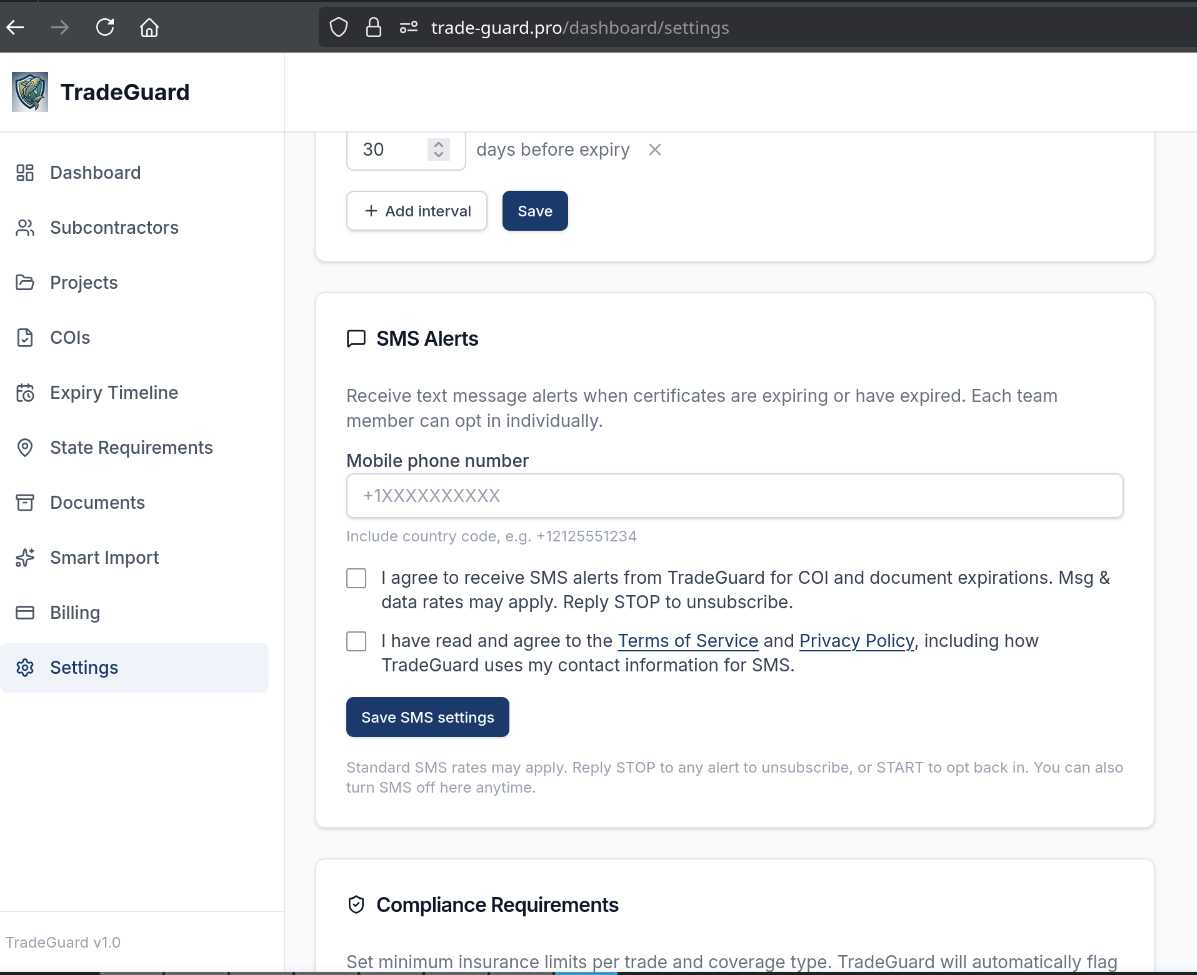
- Automated expiry alerts. The system watches every certificate’s expiration date and emails you, and the sub, well before it lapses. This alone eliminates the most dangerous failure mode.
- A self-service subcontractor portal. Instead of you chasing PDFs, subs upload their own certificates through a link. The admin burden shifts off your desk, and the paperwork arrives without a dozen reminder emails.
- Requirement matching. The moment a certificate arrives, it’s checked against the limits and endorsements your contract (and the jurisdiction) actually require, so a $500K policy against a $1M requirement gets flagged instead of filed.
- A single source of truth. One dashboard that answers, at a glance, “who is compliant right now?” across every sub and every job, instead of a spreadsheet, a folder, and someone’s memory.
The bottom line
Collecting Certificates of Insurance is table stakes. Tracking them (knowing they’re active, sufficient, and properly endorsed on the day you need them) is the part that actually protects your business, and it’s the exact part a spreadsheet can’t do. The fix isn’t more discipline. It’s a system that watches the dates for you, flags the gaps, and lets your subs do the uploading.
That’s exactly what we built TradeGuard Pro to do: automated COI tracking, expiry alerts, a self-serve sub portal, and jurisdiction-aware compliance in one dashboard. Want a system like it, or one built around your own workflow? Talk to us at Rebel Studios.