How the score is worked out
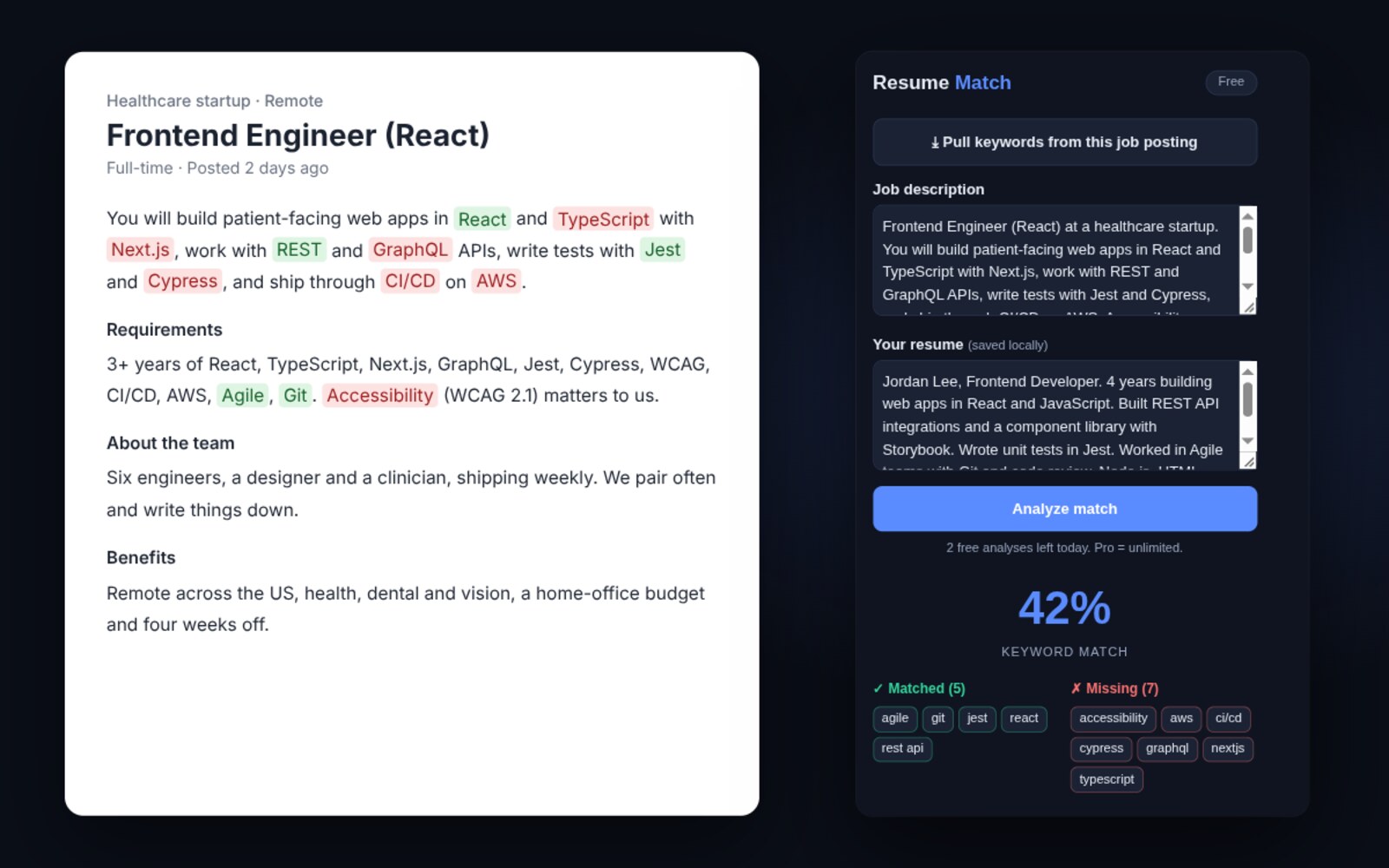
When you open a job posting and run the extension, it reads the visible text of the posting and pulls out the terms that behave like requirements (named technologies, tools, methodologies and role titles) rather than every word on the page. Common English and the boilerplate that appears in every listing are discarded, because “team player” matching “team player” tells you nothing.
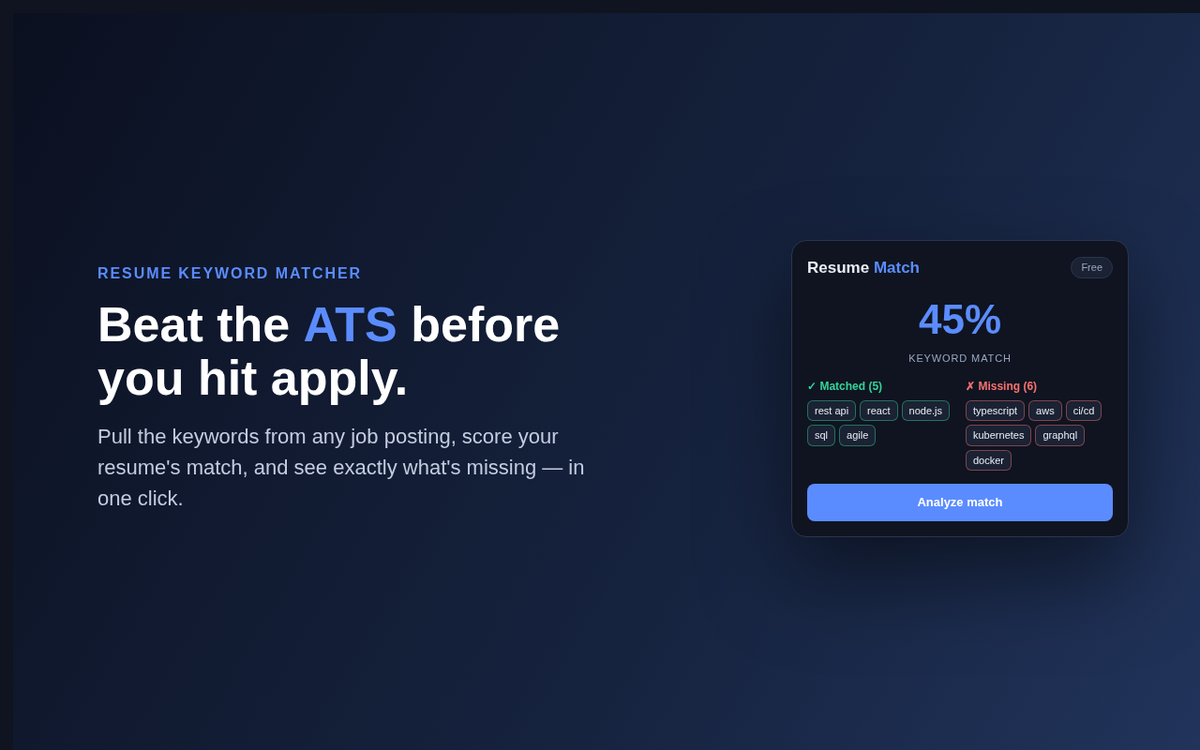
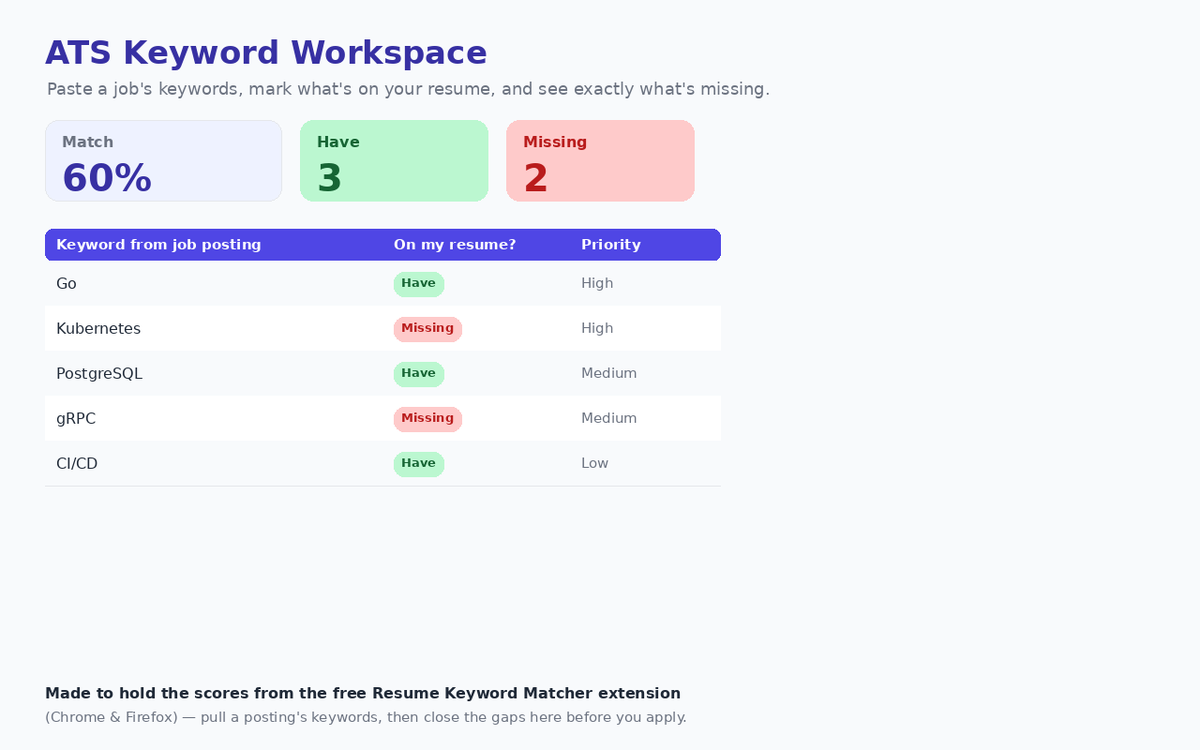
Those terms are then checked against the resume you have stored, and you get a percentage plus two lists: the terms you already have, and the ones you do not.
The missing list is the part worth your attention. The percentage is a summary; the list is the instruction.
What a match percentage does not tell you
It is worth being straight about the limits, because a confident-looking number invites more trust than it has earned.
- No ATS publishes its algorithm. Different systems weight terms differently, some consider where in the document a term appears, and some do not rank on keywords at all. A high score means your resume speaks the posting’s vocabulary, not that a particular system will rank you first.
- A term is not a skill. Matching a technology proves the word is present, not that your experience is relevant. The score cannot tell the difference, and a recruiter can.
- It cannot see formatting failures. If your layout does not parse, the keywords never get extracted in the first place and the score is measuring a document the system will never read properly. That is a separate problem with a separate fix.
Used properly, the tool answers one narrow question well: given this posting, which of its terms are absent from my resume? That is genuinely useful, and it is less than a score out of a hundred implies.
Where your resume actually lives
You paste your resume once and it is kept in your browser’s own extension storage on the device you are using. It is not uploaded, not synced to us, and not attached to an account; there is no account to attach it to. Keyword extraction and comparison both happen in the page, in your browser.
This matters more than it might seem. A resume is a dossier: your employment history, your education, frequently your address and phone number. Handing that to a free web service in exchange for a match percentage is a poor trade, and it is the trade most of these tools ask you to make. Clearing the extension’s storage removes it completely, because there is no second copy anywhere.
Getting real use out of it
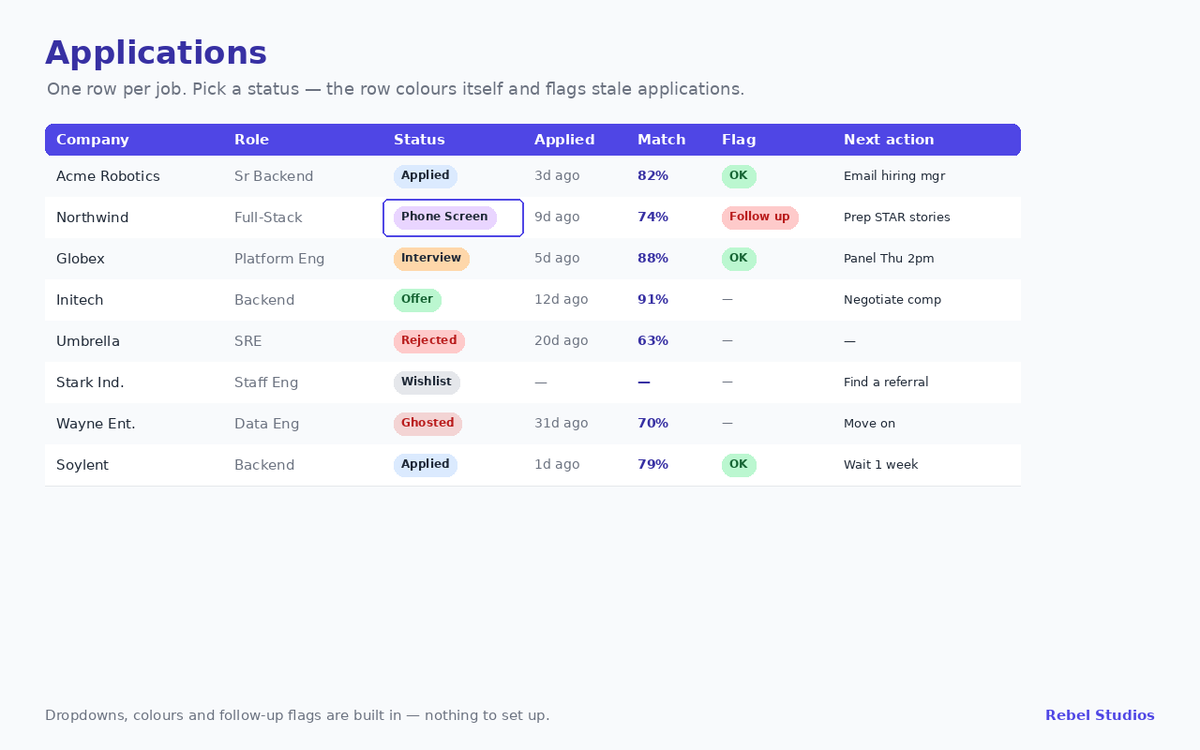
Keep one master resume containing everything you have genuinely done, then tailor per application. Run the extension on the posting, look at the missing terms, and add back only the ones that are true of you. Usually they are, and they were simply cut for length. That is a two-minute edit rather than a rewrite, and it is the entire workflow the tool is built around.
Where a missing term is not true of you, leave it out. A keyword you cannot speak to in an interview is worse than a lower score.